JATO Figma Plugin
2025A Figma plugin bringing live JATO vehicle data directly into the design workflow.
Context
When CarExpert migrated to JATO as our vehicle data provider, we gained access to a vast library of professional vehicle imagery. In practice though, the team wasn't using it - we were handed a flat folder dump of images with cryptic filenames, so designers ended up just downloading images from the CarExpert website when they needed something. It was a poor substitute and meant designs were never using the best available assets.
What I built
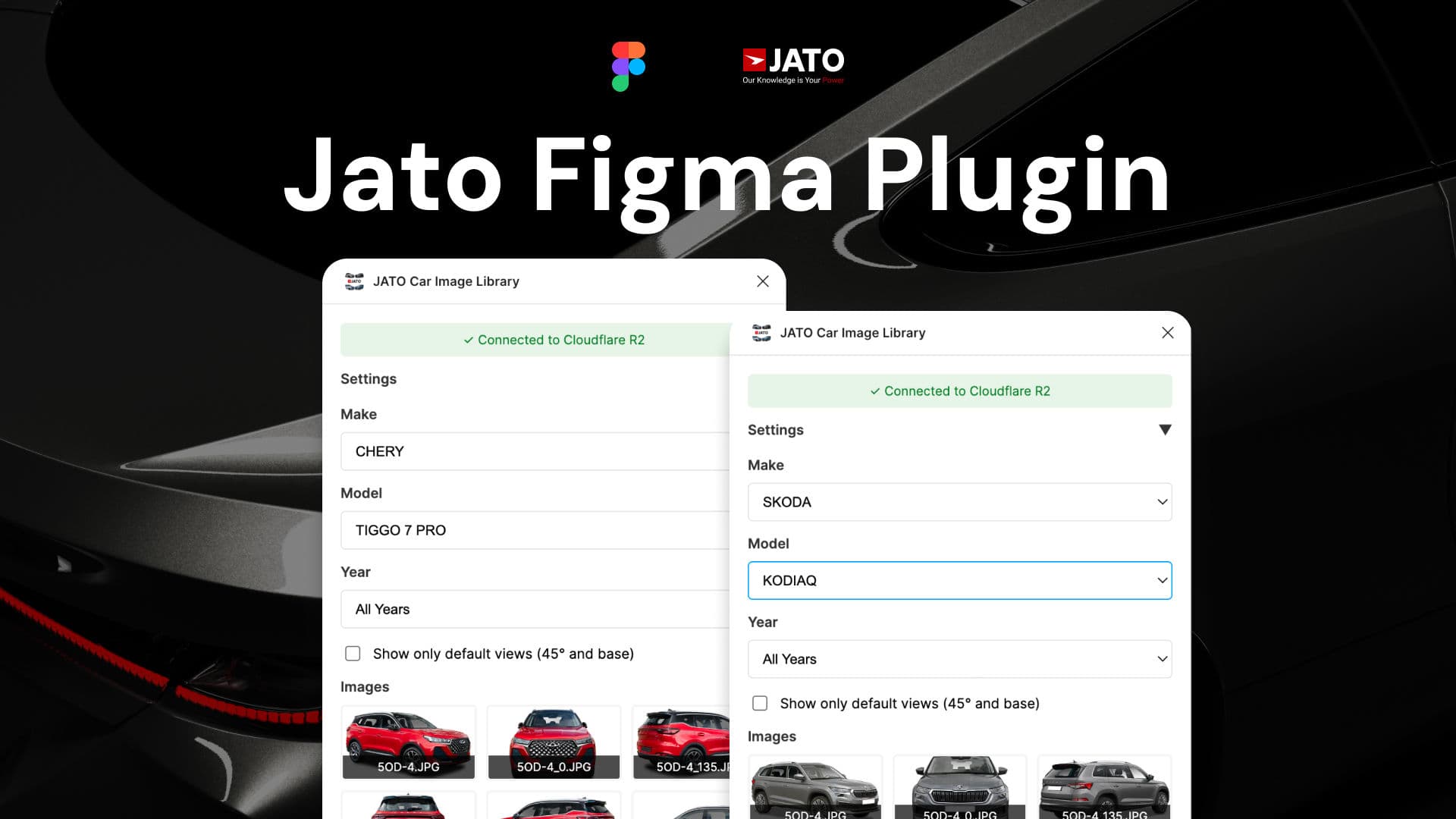
I set up a Cloudflare R2 instance to host the JATO image library, then built a Figma plugin that connects to it and lets designers insert any vehicle image into their design with a single click. Access is gated behind an API token I issued specifically for this project, which keeps our licence compliant by preventing unrestricted public access.
The key insight was that the encoded filenames - which were the source of confusion - actually contain structured metadata: make, model, shot angle, and whether the image is interior or exterior. I used that to power a filtering UI, so designers can browse naturally without ever needing to understand the underlying naming convention.
When an image is inserted, the Figma layer is automatically renamed using the JATO filename, keeping files organised and making it easy to trace not only which vehicle is shown but also the image type, such as the shot angle (e.g. 45°) or whether it's interior or exterior.
Outcome
What previously took several minutes of searching, decoding, and downloading - per image - is now a few clicks inside Figma. The design team went from not using JATO imagery at all to having real, production-quality vehicle photos available on demand throughout the design process.